How PDFQR Works
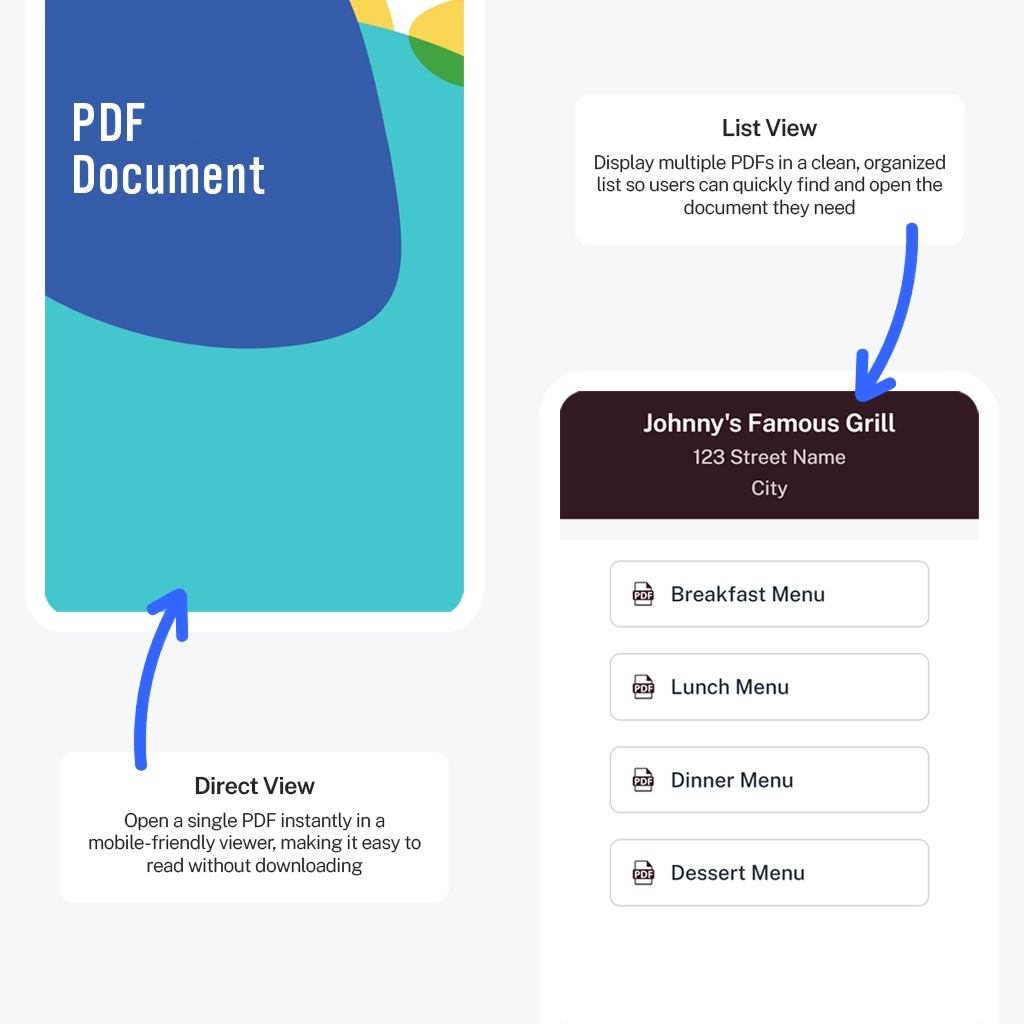
PDFQR transforms your PDFs into mobile-optimized viewing pages accessible through a QR code. Every QR code can display a single PDF or an entire collection of PDFs, making it ideal for menus, manuals, brochures, reports, schedules, and multi-document kits.
Step 1 — Upload Your PDF Files
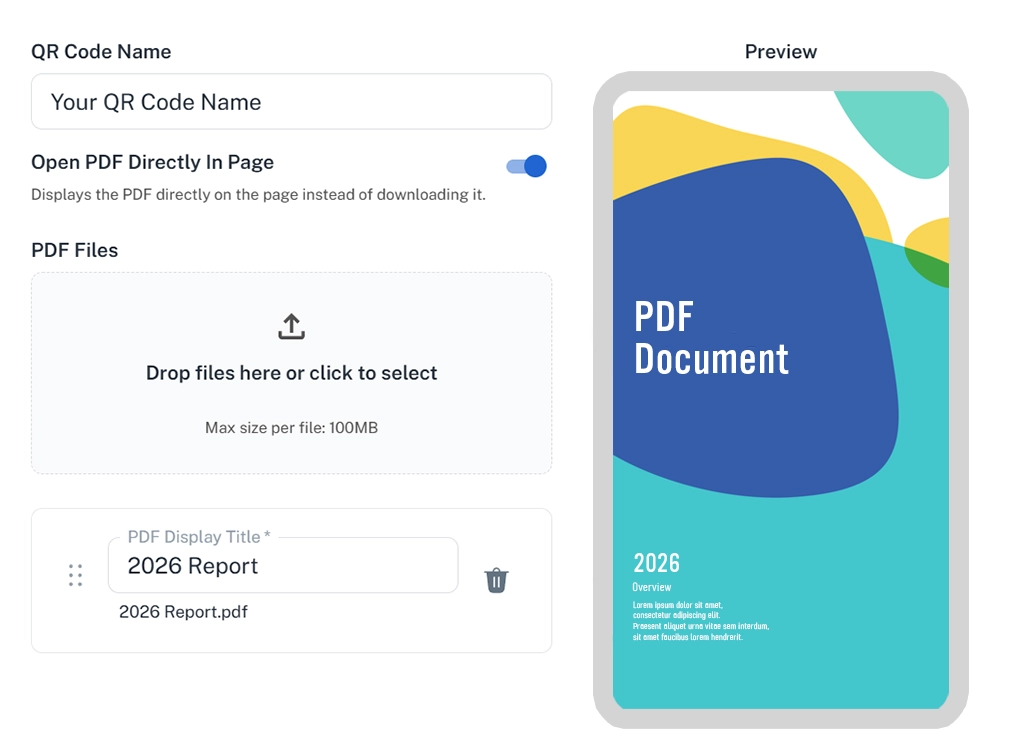
Create your QR code by uploading one or multiple PDF files in seconds.
- Upload PDFs with drag & drop or file selection
- Choose whether PDFs open directly in the page
- Organize your PDFs by rearranging their order and renaming each file’s display title
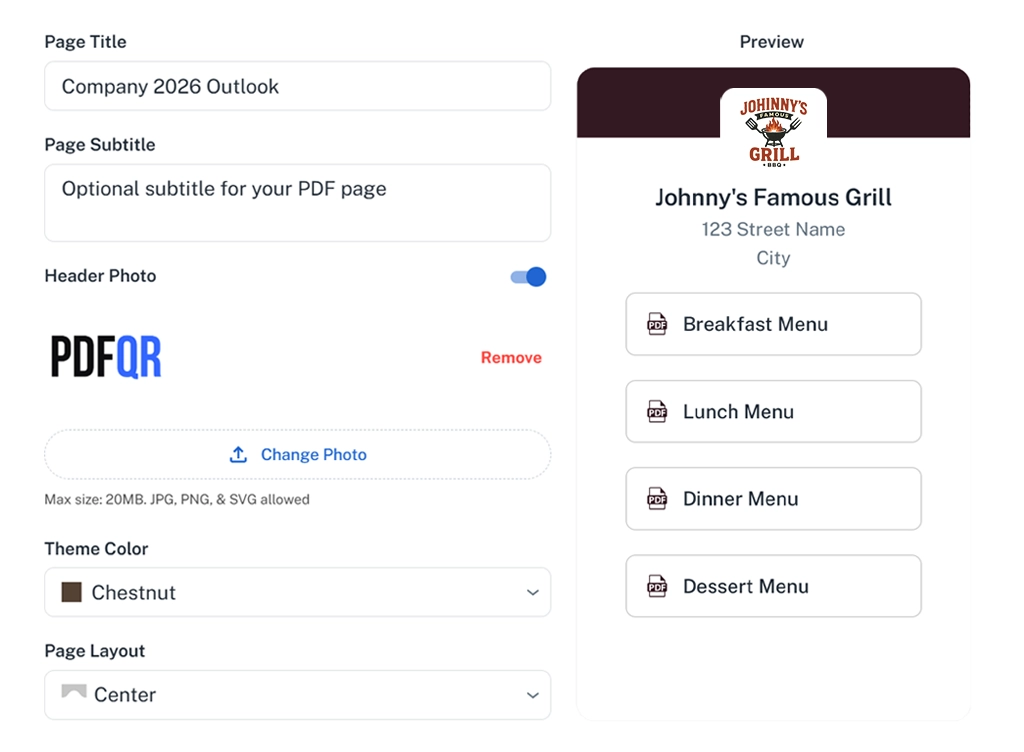
Step 2 — Customize the Viewing Experience
Control how your PDFs look and how users interact with them.
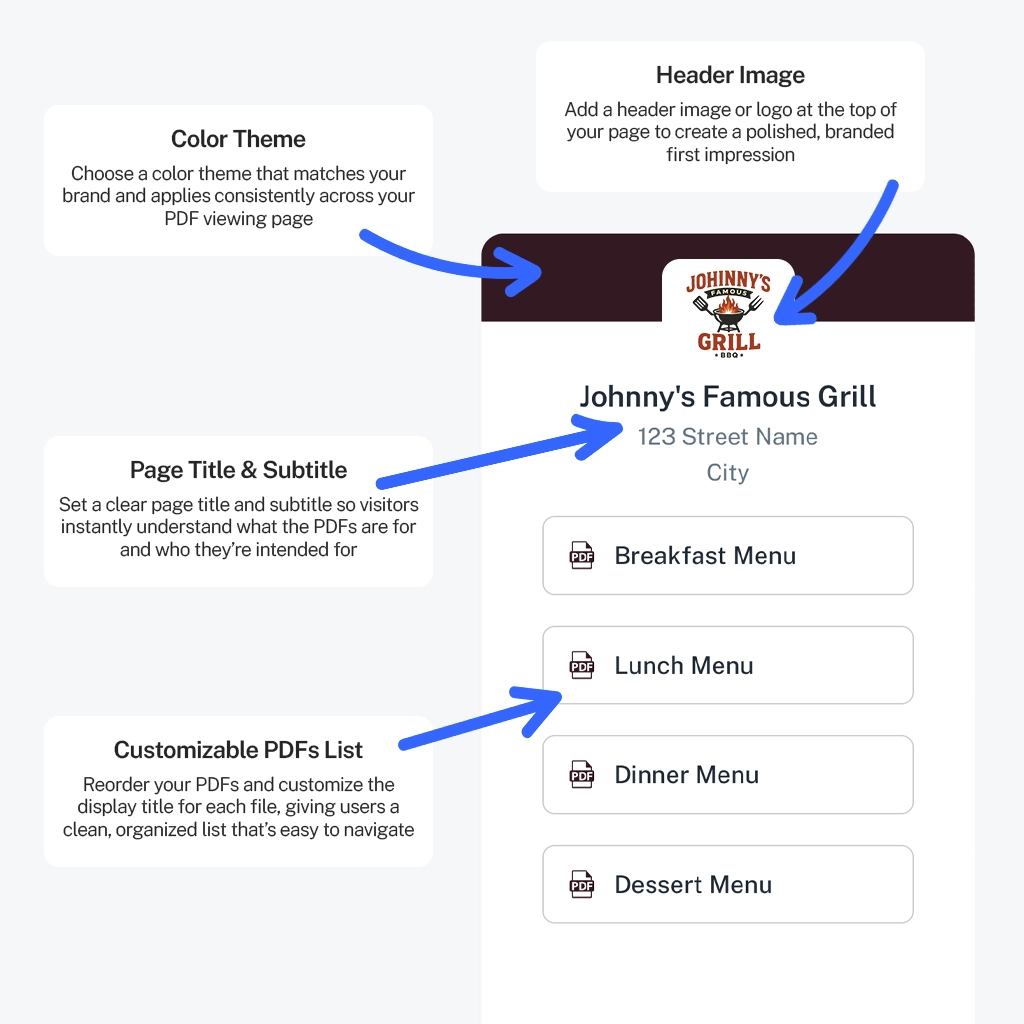
- Set a clear page title and optional subtitle
- Add a header image or logo for branding
- Choose a theme color to match your brand
- Arrange PDFs and customize display titles
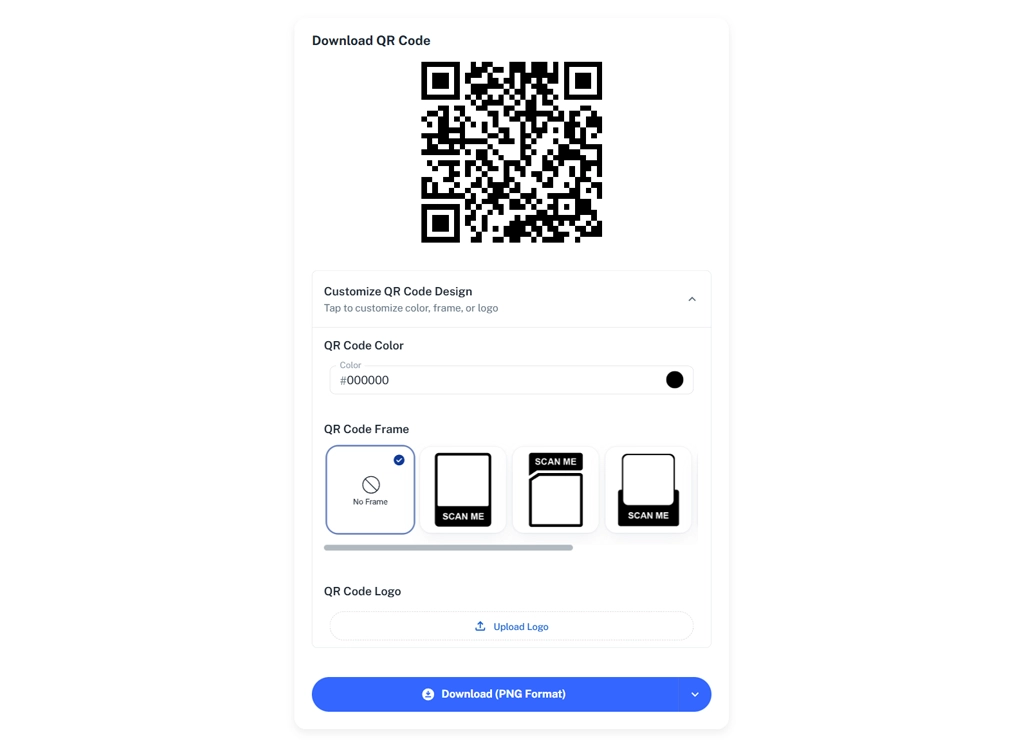
Step 3 — Publish & Download Your QR Code
Your QR code is ready to use anywhere — print or digital.
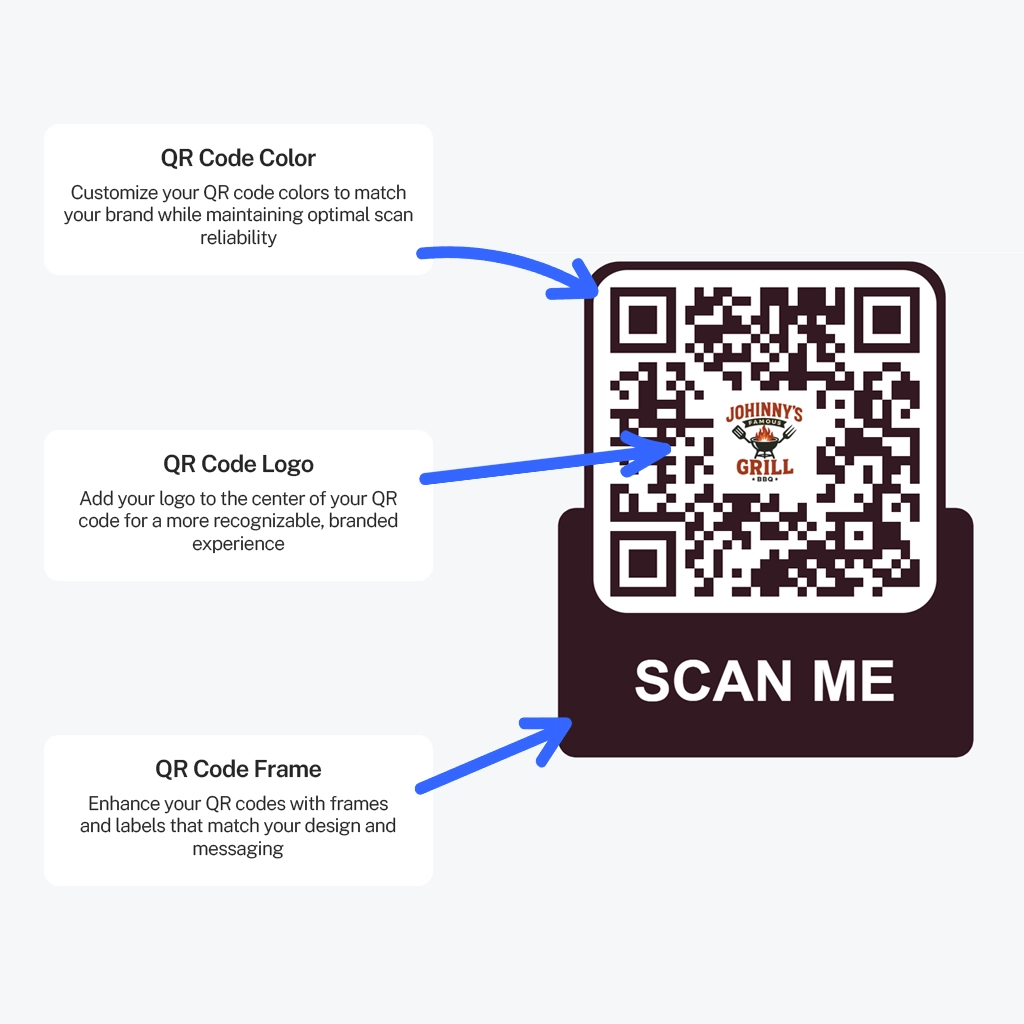
- Customize the QR design (color, logo, frame)
- Download your QR code in PNG or SVG
- Update PDFs anytime without changing the QR code
- Manage all QR codes from one dashboard